
Prefer to read offline? Download this article as a PDF
Each beep of your email, Slack, or phone distracts you from what you’re in the middle of. Those little breaks might not seem significant, but they quietly eat up your time and disperse your attention. Next thing you know, the day has passed, and you’ve hardly gotten done what really counts.
The reality is, contemporary work isn’t difficult due to the work itself; it’s difficult due to incessant switching. Each time you pause to look at a message, your mind takes minutes to get back into the initial task. All this to-ing and fro-ing creates frustration, stress, and mental exhaustion.
Fortunately, there’s an easy solution to this issue: the batching technique.
What Is Batching?
Batching, or email batching, entails monitoring your emails, messages, and notifications at particular intervals rather than responding to each notification as soon as it happens.
For instance, you can monitor all your messages at 11:00 AM and 4:00 PM and remain entirely concentrated on your task between those times. It is a simple but powerful form of notification management that keeps your attention where it truly matters.
This easy change can serve to restore your attention, decrease tension, and feel more in charge of your day.
Why Batching Works
When you only look at notifications at scheduled times, your brain receives longer periods of uninterrupted concentration. This decreases what psychologists refer to as “attention residue”. Each time you switch tasks, your brain leaves part of its attention behind, making it harder to fully re-engage. Even brief notifications can cause a few minutes of mental fog as your brain refocuses.
Over time, this constant switching leads to fatigue and fragmented focus, a major cause of burnout in modern work culture.
Advantages of batching:
- Increased focus: When you learn how to focus at work by batching your notifications, you reduce interruptions and gain deeper concentration.
- Reduced stress: Your brain remains calmer when it’s not reacting to continuous alerts.
- Improved productivity: You accomplish more meaningful work in less time.
- Improved clarity: You respond thoughtfully rather than impulsively, maintaining better emotional control throughout your day.
How to Begin Batching, Step by Step
You can start today with a few straightforward steps.
1. Choose 2 or 3 check-in times.
Select windows such as 11:00 AM and 4:00 PM.
2. Share your plan.
Include a brief line in your email signature or Slack status stating, “I check messages twice daily at 11 AM and 4 PM.”
3. Silence all notifications other than those times.
Disable alerts on your phone, desktop, and watch.
4. Make a brief “resume” note.
When you stop a task, jot down one sentence on where you left off so you can pick it up fast.
5. Adhere to the timetable.
Use a timer if necessary, and check your outcomes after seven days.
Example of a Batching Schedule
| Time Slot | Purpose | Duration |
| 08:30 to 09:00 | Morning planning and urgent checks | 30 min |
| 11:00 to 11:30 | Message and email window | 30 min |
| 14:00 to 14:15 | Quick midday catch-up | 15 min |
| 16:00 to 16:30 | End-of-day review and final replies | 30 min |
You may customize this schedule according to your own workflow and team communication time.
How to Keep Apps and Notifications Quiet in Between
It’s hard to ignore pings yourself; that is where digital blocking and scheduling tools assist.
You can use a scheduling function to:
- Block email or messaging apps during times other than your check-in periods.
- Enable them only within your preferred times.
- Repeat this schedule automatically daily.
- Stop yourself from turning the blocks off manually during focus time.
In this way, you don’t use willpower. The tools prevent distractions for you, and you can concentrate without the fear of missing something.
Quick Batching Setup Checklist
|
Task |
Status |
|
Pick check-in times |
☐ |
|
Update email and chat status |
☐ |
|
Mute notifications |
☐ |
|
Schedule blocking for off-hours |
☐ |
|
Review progress after a week |
☐ |

Why Multitasking Hurts Your Focus: Batch Your Tasks Instead
The same idea works for the rest of your day. Most of us think we are good at multitasking, but the brain does not do two demanding things at once: it switches between them, and every switch costs a little focus and leaves room for mistakes. Switching also feels productive, because each new tab or message gives a small reward, so it is easy to mistake being busy for getting things done.
Group similar work so your brain stays in one mode for longer:
- Calls together, in one block rather than scattered through the day.
- Admin together, such as invoices, forms and bookings.
- Creative or deep work together, in your best hours, with everything else shut out.
Within each block, do one thing at a time. Write a short list for the day, pick the first task, set a timer for 25 to 50 minutes, and finish or pause it on purpose before you start the next. Close the tabs you don’t need and keep one app on screen. When the timer ends, take a 5 to 10 minute break before the next block.
Tips to Make Batching Work Long-Term
Begin slowly. Experiment with a single check-in time initially.
- Be transparent. Let your colleagues know when you’ll be available.
- Avoid exceptions. Don’t check messages “just for a minute.”
- Use a timer. Stop reading messages once your window ends.
- Allow urgent calls only. Keep one backup channel for emergencies.
What You’ll Notice After Two Weeks
|
Before Batching |
After Two Weeks |
|
Constant interruptions |
Long, calm focus periods |
|
Rushed responses |
Clear, thoughtful communication |
|
Feeling busy but unproductive |
Finishing real work early |
|
Stress and fatigue |
Control and calm |
Two weeks later, most people find that they have greater energy, reduced stress, and even more time for breaks or creativity.
Using FocusMe to Support Your Batching Routine
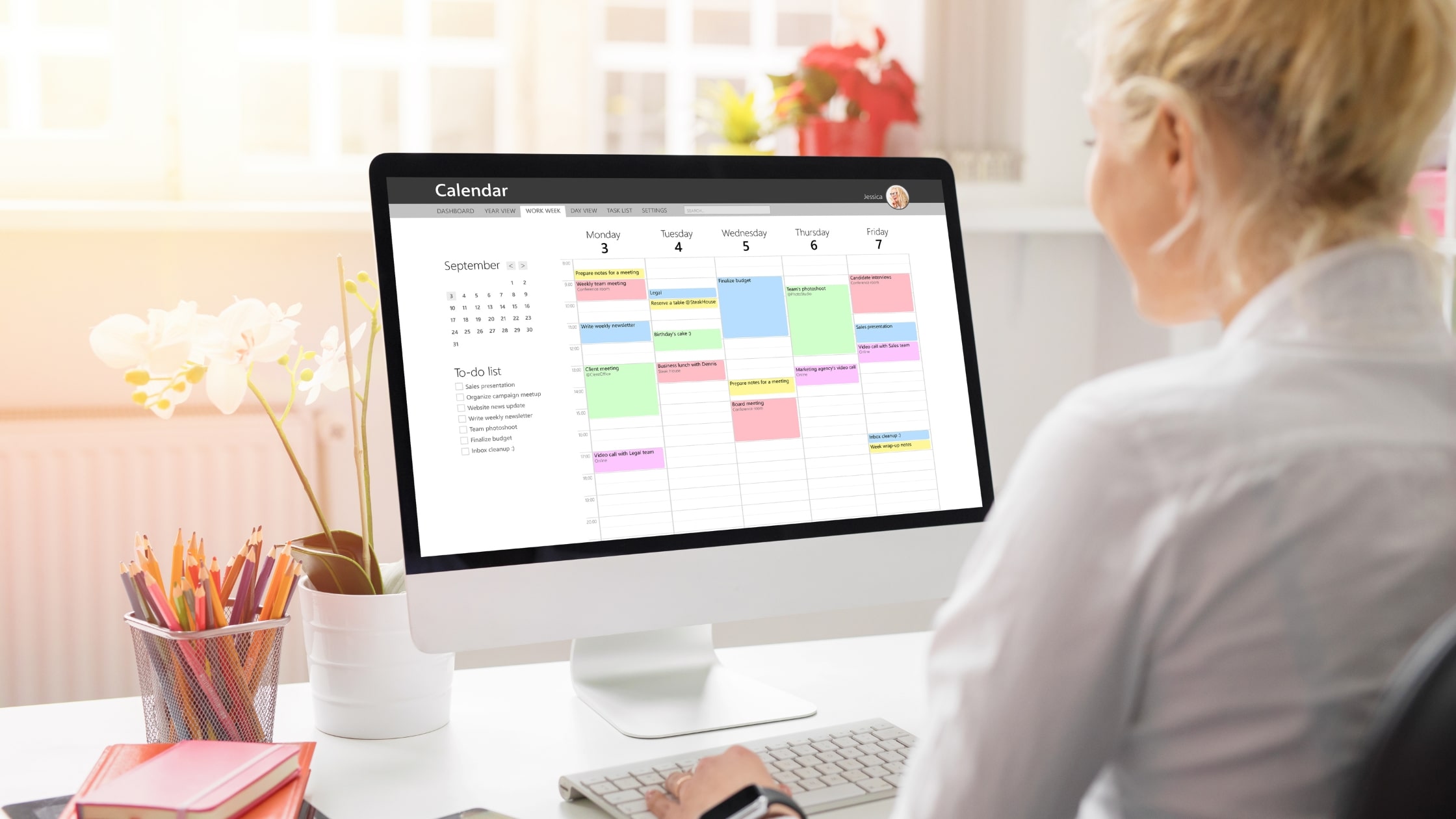
Once you feel confident with batching, you can make it even more resilient by using FocusMe’s scheduling feature.
FocusMe enables you to:
- Block email, Slack, and social media apps during deep work sessions.
- Schedule specific time windows (such as 11 AM and 4 PM) for communication.
- Automatically repeat your routine every day.
- Lock the plan with Enforced Mode. Enforced Mode means the plan runs to its end; while it runs it cannot be stopped or weakened, only made stricter.
Once you set it up, FocusMe ensures your notifications remain silent when you need concentration, and open only when it’s time to review. That’s how batching is easy.
Conclusion
Productivity isn’t about doing more; it’s about working with calm, clarity, and control. Try batching for just one week and let FocusMe silence your distractions between check-in times. You might be surprised by how much focus and energy you reclaim.
Your Challenge: For the next 7 days, check your messages only twice daily, and let FocusMe handle the rest. See how much focus you regain when your day runs on your schedule, not your notifications.
FAQs (Frequently Asked Questions)
What is the batching technique?
Batching refers to checking messages and emails only at a scheduled time, rather than responding to all notifications throughout the day.
How often do I check messages in a day?
Two or three times a day is optimal for most.
What if my team needs instant responses?
Let people know your plan, and they will adjust. Once folks know your check-in intervals, they’ll work around them.
What if there is an urgent matter?
Leave one emergency channel, like a phone call, for really urgent issues.
How long should a batching session take?
20-40 minutes per check-in is typically sufficient.
Does batching decrease productivity?
No. It maximizes productivity by minimizing mental switching and interruptions.
Do I need a tool to batch successfully?
You can begin manually, but tools such as FocusMe make batching simple by locking out distractions automatically.
How soon do I see results?
Most individuals report feeling calmer and more centered within the first week.
Can personal life be improved through batching as well?
Yes. Personal notifications, such as social media or texts, may be batched during certain hours of the day.
What happens if I cheat and check messages too early?
That’s okay, just resume your schedule. It’s a habit that gets better with time and practice.