

The Most Powerful Website Blocker for Windows, Mac & Linux
FocusMe blocks distracting websites, apps, and games so you can focus on what matters. Enforced Mode, AI coaching, enforced screen breaks, and 100+ configurable options.
Works on Windows, macOS, Linux, Android and iOS. No credit card required.
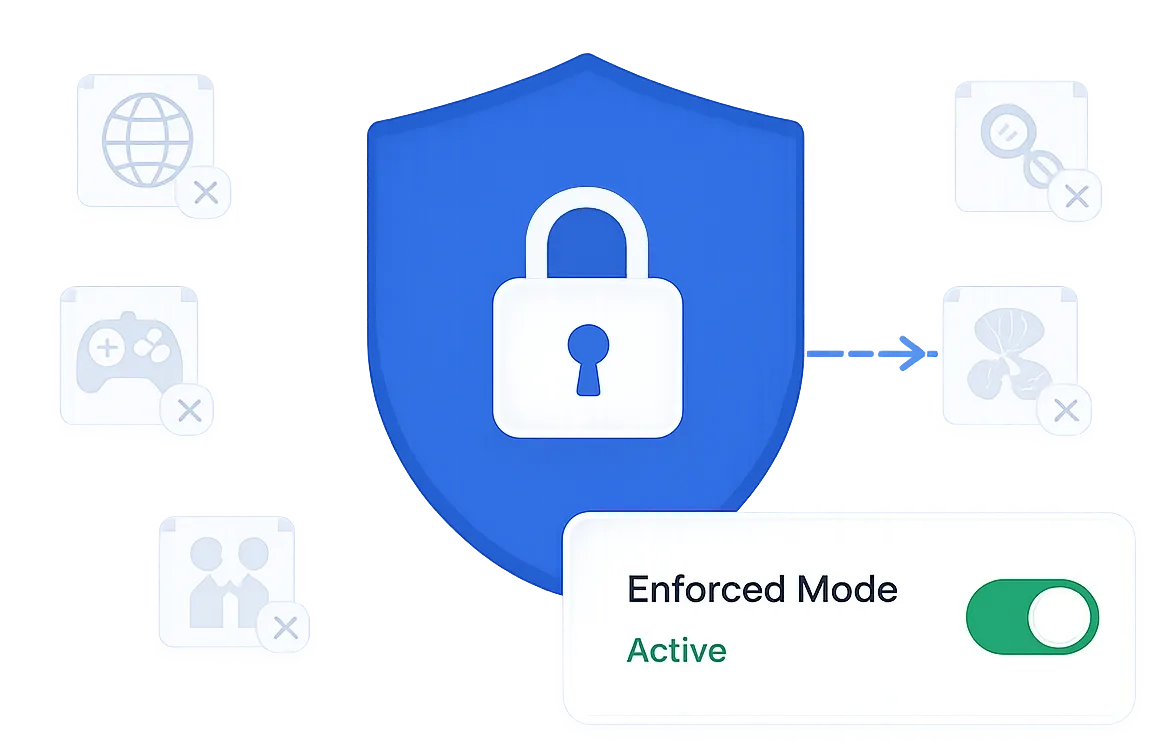
Why FocusMe Is the Best Website Blocker
Most website blockers are easy to bypass. You install a browser extension, block a few sites, and within minutes you've disabled it or switched to another browser. FocusMe is different.
FocusMe is a desktop focus app that blocks websites across all browsers, with no extension required. It works on Windows 11/10/8/7, macOS, and Linux. And with Enforced Mode enabled, it's virtually impossible to bypass.
How the Website Blocker Works
Choose What to Block
Block specific websites, entire categories, or all internet access. Block desktop applications and games too - including Steam, social media apps, YouTube Shorts, and anything else that distracts you.
Set Your Rules
Totally block sites, set time limits per site (e.g. 30 minutes of Reddit per day), restrict launch counts, or enforce screen breaks at regular intervals. Schedule blocks by day, time, or use Pomodoro cycles.
Lock It Down
Enable Enforced Mode to make your blocks impossible to bypass. FocusMe can't be uninstalled, disabled, or bypassed during a session. Add random character challenges, stop delays, and pause limits for extra layers of protection.
Features That Set FocusMe Apart
AI-Powered Productivity Coach
FocusMe includes a built-in AI Coach that analyzes your daily computer usage and delivers personalized productivity reports. It detects your working schedule, identifies patterns like burnout risk and sleep impact, and generates actionable recommendations - like adjusting your blocking schedules or adding new sites to your plans. Apply the AI Coach's suggestions directly to your plans with one click.
Enforced Screen Breaks
Protect your eyes and prevent burnout with enforced screen breaks. A full-screen overlay locks your computer at configurable intervals, showing a countdown timer. Skip break protection ensures you actually rest - set a minimum break time and require a random character challenge to skip early. You can also postpone breaks when you're in the middle of something important.
Maximum Protection
FocusMe's layered protection system is the most comprehensive of any website blocker. Enforced Mode completely locks plans so they cannot be stopped. Random character challenges add friction to impulsive disabling. Stop delays give you a cooling-off period. Pause limits cap how many breaks you can take per day. And plan hardening ensures running plans can only have their protection increased, never decreased - so you can't weaken your own defenses in a moment of temptation.
Block YouTube Shorts & Facebook Reels
Short-form video is one of the biggest sources of unplanned screen time. FocusMe can specifically target YouTube Shorts and Facebook Reels - add them to any blocking plan to eliminate the endless scroll without blocking the rest of the platform.
Who Uses a Website Blocker?
Professionals
Block social media, news, and time-wasting sites during work hours. Use the AI Coach to identify your biggest time sinks and reclaim hours every week.
Students
Stay focused while studying for exams. Block YouTube, Reddit, gaming sites, and use Pomodoro cycles for structured study sessions.
Developers & Power Users
Control plans via CLI, automate with cron jobs, use RegEx patterns for precise blocking, and import plans from the community library.
Parents
Manage your children's screen time and block content. Set schedules and time limits with Enforced Mode they can't override.
What Users Say
"Out of all the website/procrastination blockers which I tried (Freedom, ColdTurkey, HeyFocus, LeechblockNG, etc) this one is the only one which has everything!"
Filip J. via Trustpilot
"This is THE BEST PC self-help program I have ever come across. It's virtually impossible to get around. Has seriously helped me focus on my schooling and other important aspects of my life."
Bryan S. via Trustpilot
"I've used K9, Mobicip, Cold Turkey, Freedom, you name it. None of those products even come close to FocusMe. Stop wasting time and start making a change in your life today!"
Terry G. via Trustpilot
Frequently Asked Questions
What is a website blocker?
A website blocker is software that prevents you from accessing distracting websites during times when you need to focus. FocusMe goes beyond basic browser extensions by blocking across all browsers, desktop applications, and games.
What is the best website blocker for Windows?
FocusMe is the most powerful website blocker for Windows. Unlike browser extensions that can be easily disabled, FocusMe integrates deeply with browsers and apps across all browsers. Its Enforced Mode with random character challenges and plan hardening makes it virtually impossible to bypass, and it includes AI coaching, screen breaks, time limits, scheduling, and usage tracking that simpler blockers lack.
Can I block websites on all browsers at once?
Yes. FocusMe blocks websites across Chrome, Firefox, Edge, Opera, Brave, and all other browsers simultaneously. No browser extension required - blocking works at the system level so you can't bypass it by switching browsers. A recommended browser extension adds enhanced URL detection and faster blocking.
Is FocusMe free?
FocusMe offers a free trial so you can test all features. Plans available monthly, yearly, or lifetime. 60-day unconditional money-back guarantee.
Can I set time limits instead of fully blocking a website?
Yes. FocusMe lets you set daily, weekly, or monthly time limits per website or app. For example, you can allow 30 minutes of social media per day. Once your time is up, the site is automatically blocked. You can also set launch limits to restrict how many times you open an app per day.
Does the website blocker work offline?
Yes. FocusMe works completely offline. Blocking continues even when you disconnect from the internet, unlike cloud-based blockers that stop working without a connection.
Ready to Take Back Your Focus?
Try FocusMe FreeWorks on Windows, macOS, Linux, Android and iOS. No credit card required.
Plans available monthly, yearly, or lifetime. See pricing.