

iPhone, iOS 16 or later
The app and website blocker for iPhone
Block distracting apps and websites on your iPhone, on a schedule you set, enforced by iOS Screen Time so it keeps working when FocusMe is closed.
Free to download. No account needed. iOS 16 or later.
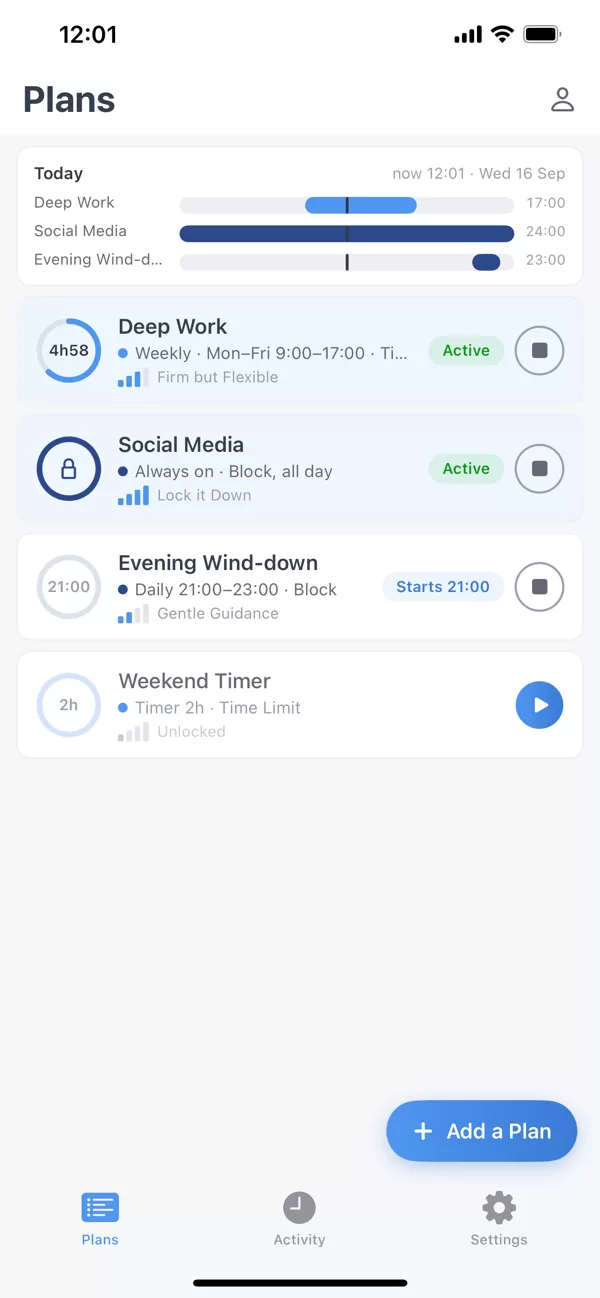
차단할 항목
Apps and whole categories
Pick apps one by one, or a whole category such as Social or Games in one tap. Open a blocked app and you see FocusMe’s shield with the name of the plan that is running, not a bare system message.
Websites
Type the sites you want gone and they are blocked in Safari and the other browsers on the phone. Everything on the list stays blocked while the plan runs, enforced by Screen Time rather than by FocusMe staying open, so closing the app changes nothing.
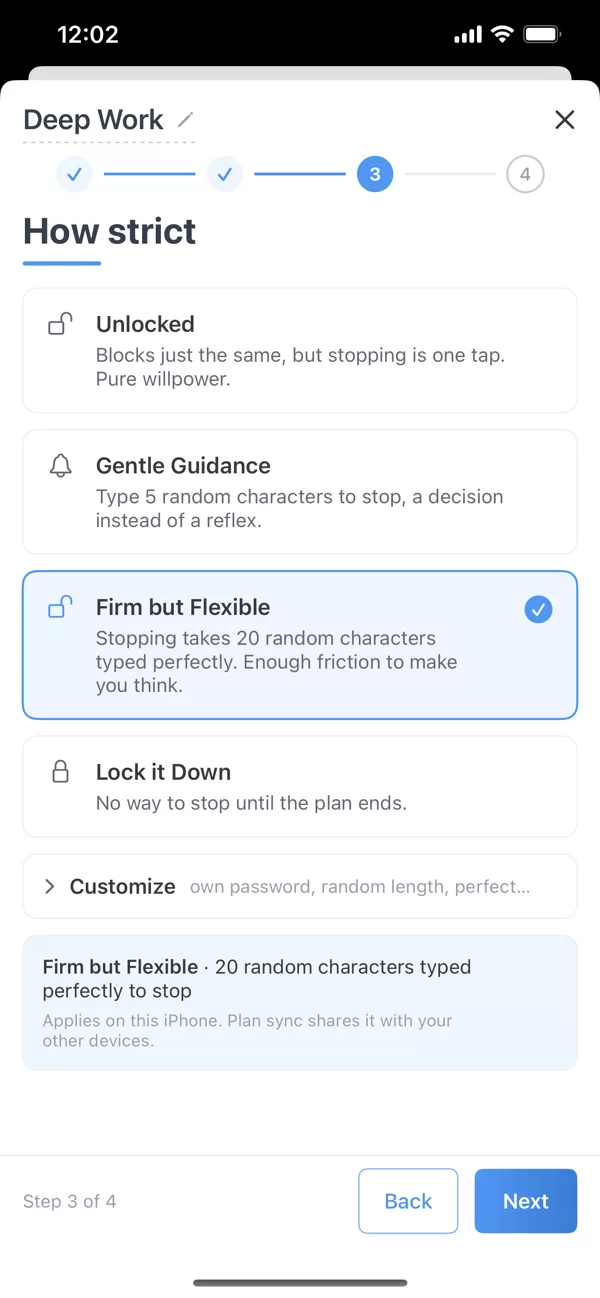
You set a schedule once and the plan starts and stops on time whether you remember or not. The Today bar at the top of Plans shows what is running now and what starts next, so the evening holds no surprises.
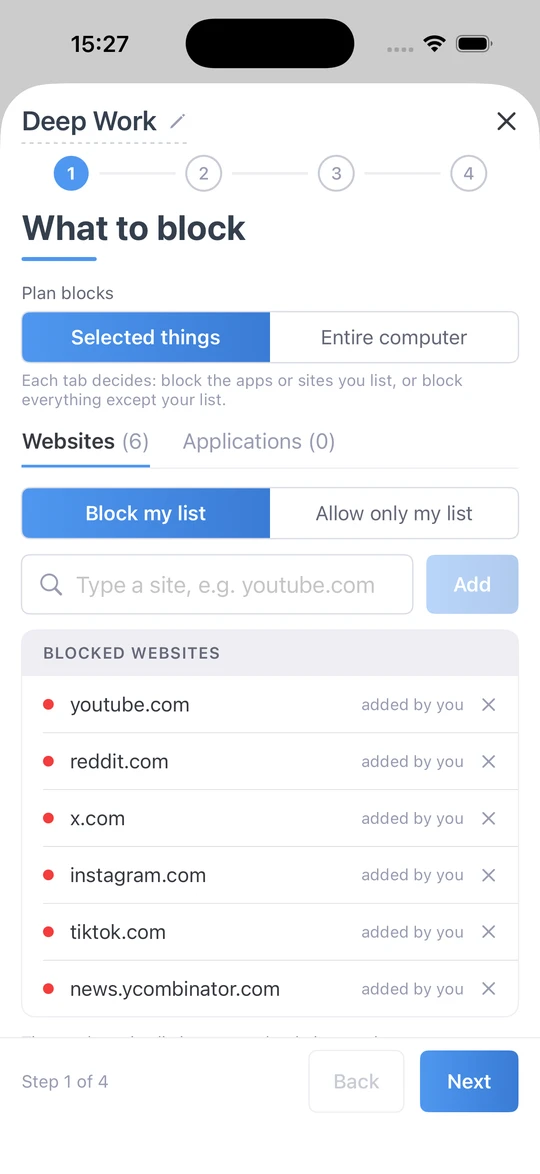
실행될 때
일정과 시간 제한이 자동으로 진행됩니다.
A Quick Timer for the next hour. A weekly schedule, overnight included: Deep Work from 9 to 5 on weekdays, an Evening Wind-down from 9pm. Or a budget instead of a ban: use your blocked apps for a set time each day or hour, or a few short sessions with breaks between, and then they are blocked until the next period.
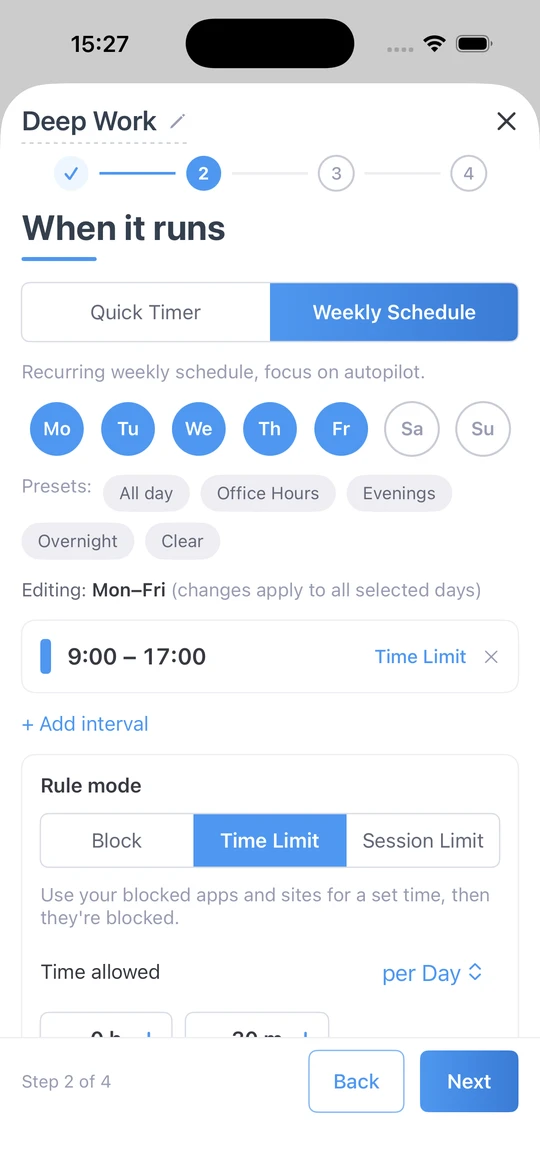
얼마나 엄격한가
가벼운 권유부터 완벽한 봉쇄까지
Four levels. Unlocked blocks just the same, but stopping is one tap. Gentle Guidance asks you to type five random characters before a plan stops: a decision, not a reflex. Firm but Flexible asks for 20 characters typed perfectly. Lock it Down gives you no way to stop until the plan ends. Plan sync shares the setting with your other devices.
Built for iPhone
Built on Screen Time
Apple’s own framework enforces your plans. Swipe FocusMe away and the blocking carries on.
Your data stays on your iPhone
Apple keeps Screen Time usage on the device. FocusMe shows it to you; it never leaves your phone.
브랜드 블록 스크린
The FocusMe shield and the plan’s name, every time.
Categories in one tap
Block Social, Games or Entertainment as a whole, then add exceptions.
오프라인에서도 작동합니다
차단에는 연결이 필요하지 않습니다.
Plans that sync
With Premium, the plan you set on your Mac or PC runs on your iPhone too.
시간이 어디로 갔는지 확인해 보세요
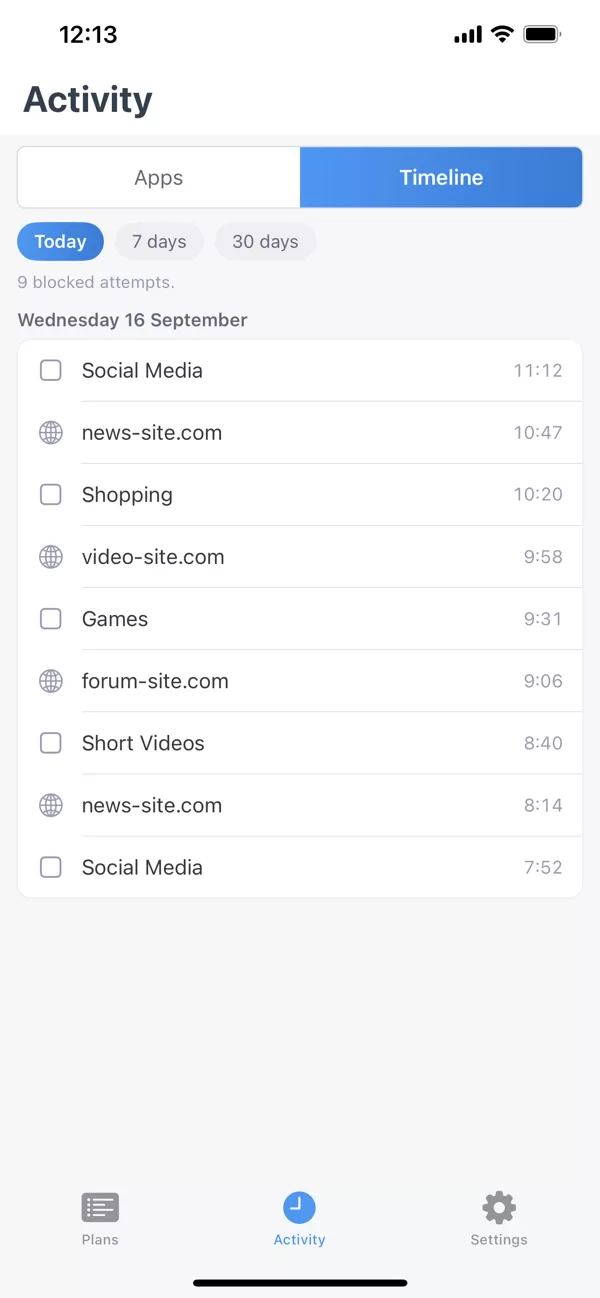
The Activity tab shows your app usage and the apps FocusMe blocked, so you can see the habit before you change it.
One account, your iPhone and your computer
Sign in with the same account to sync your plans and activity between your iPhone and your Windows or Mac computer, with FocusMe Premium. Premium is included with every desktop licence, for up to 2 mobile devices. No computer? Subscribe to Premium in the app. Blocking, schedules and time limits need no account.
- 윈도우
- 스코틀랜드 사람
- 리눅스
- Android
- 아이폰
요구 사항 및 다운로드
- iOS
- 16 or later, on iPhone.
- 얻으세요
- App Store. Free to download.
- Permission
- Screen Time access, asked once when you create your first plan.
- 프리미엄
- 컴퓨터와 플랜을 동기화하세요. 모든 데스크톱 라이선스(모바일 기기 2대)에 포함되어 있으며, 앱에서 구독할 수도 있습니다.
자주 묻는 질문
Does FocusMe for iPhone work without a computer?
Yes. Blocking, schedules, time limits and strictness levels all work on the phone alone, with no account. A computer or Premium adds sync.
Why does it ask for Screen Time permission?
Because iOS Screen Time is what enforces the plan. That is why blocking keeps working when FocusMe is closed, and why your usage data stays on the phone.
Is there a limit on how many apps and websites I can block?
iOS allows 50 apps and websites in active blocks at a time, shared across the plans that are running. Categories count as one each, so blocking Social covers every social app in one slot. FocusMe tells you if a list goes over.
차단하는 대신 시간 제한을 걸 수 있을까요?
Yes. Use your blocked apps for a set time each day or hour, or a few short sessions with breaks between; then they are blocked until the next period.
계획을 조기에 중단하려고 하면 어떻게 되나요?
선택한 엄격도에 따라 다릅니다. '잠금 해제'는 한 번 탭하면 멈춥니다. '부드러운 안내'와 '확고하지만 유연한'은 타이핑을 요구합니다. '완전 잠금'은 계획이 끝날 때까지 멈출 방법이 없습니다.
Is FocusMe free on iPhone?
무료로 다운로드할 수 있으며, 차단, 예약 및 시간 제한 기능은 계정이나 결제 없이 이용 가능합니다. 프리미엄 버전은 컴퓨터와의 동기화 기능을 제공하며, 데스크톱 라이선스에 포함되어 있거나 앱에서 바로 사용할 수 있습니다.