

下载 14 天免费试用版
无需信用卡。没有压力。只有结果
⭐ 立即排除干扰,让你真正完成开始的工作。.
⭐ 强制模式,从根本上杜绝拖延症。.
⭐ 个性化限时和深度拦截功能,保护您的最佳时间。.
⭐ 内置 Pomodoro,帮助你在更短时间内完成更多工作。.
⭐ 世界一流的支持,可快速设置一切。.
输入您的姓名和电子邮件
我们将向您发送下载链接和简单的入门说明。.
 No more tab-hopping. No more self-sabotage. Just real results. Block websites and apps on your Windows desktop effortlessly Customize blocking schedules for work, study, and downtime Limit time on YouTube, social media, or games Set 目标, schedule breaks, and track your progress Works on Windows 10 and Windows 11
 正如在


The Ultimate Website Blocker for Windows
FocusMe goes far beyond browser extensions. 它是 a full-featured website blocker for Windows that runs system-wide—so it doesn’t matter which browser you use.


Block Distracting Sites Across All Browsers
No more switching from Chrome to Edge to bypass a block. Our windows app blocking desktop shuts down access across all major browsers—even in incognito mode.
Set Custom Time Limits
Want to allow 20 minutes of Reddit per day? Done. Prefer a total ban from social media during work hours? Also done.
Create Multiple Profiles
Use different rules for weekdays, weekends, deep focus sessions, or breaks. You’re always in control.
Take charge of your time with the most powerful app and website blocker for Windows.
Unlike other tools, FocusMe isn’t just for websites. 它是 a powerful Windows app blocker that can restrict access to almost anything on your desktop—apps, games, or even certain system tools.
Block Any Desktop App
Stop yourself from opening time-wasting apps like Steam, Spotify, Discord, or Netflix. You decide what stays and what goes.
Lock Down System Tools
Want serious accountability? With FocusMe, you can block access to system tools like Task Manager, Registry Editor, and Settings, making it much harder to bypass your focus plans.
Designed for Students, Professionals, and Parents
Whether you’re writing a paper, deep on coding, or setting up parental controls, FocusMe adapts to your goals and helps you stay on track.
From writers to developers, students to digital minimalists—thousands rely on FocusMe daily to reclaim their time and maintain deep focus.
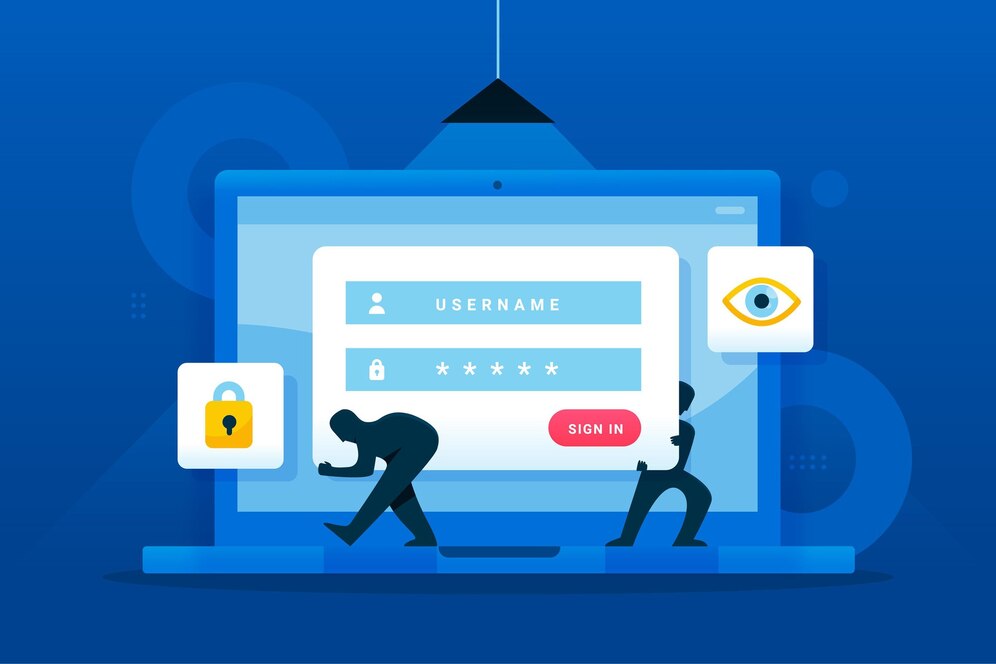
With FocusMe’s Windows apps blocking desktop features, you don’t need willpower—you need a system. FocusMe automates your focus with intelligent scheduling tools that fit your routine, so you can stay productive without micromanaging your time.

Recurring Focus Sessions
Create weekly blocking plans that run automatically—like 9:00 AM to 5:00 PM on weekdays or custom weekend schedules. You’ll never forget to start a session again.
Pomodoro & Custom Interval Timers
Prefer working in short bursts? Use built-in Pomodoro mode or set your own intervals. Alternate focused sprints with regular breaks to maintain mental clarity throughout the day.
Daily & Weekly Time Limits
Balance productivity with flexibility. Limit how much time you can spend on distracting apps or sites per day or per week. Great for curbing habits like late-night social scrolling or midday YouTube binges.
Enforced Breaks for Wellness
Block access to your computer during scheduled breaks to ensure you actually rest. Use this time to stretch, hydrate, or step away from the screen—no more burnout from nonstop screen time.
One-Time Sessions
Need a burst of hyper-focus? Start a one-off session instantly with full blocking and break enforcement. Perfect for deep work, tight deadlines, or study marathons.
Sync With Your Life
Stack schedules across multiple productivity profiles (e.g., “Work Mode,” “Study Mode,” “Evening Wind Down”) and let FocusMe switch modes automatically depending on the time or day.
FocusMe can detect when certain apps are opened—like your coding IDE or writing software—and automatically trigger a matching focus session.
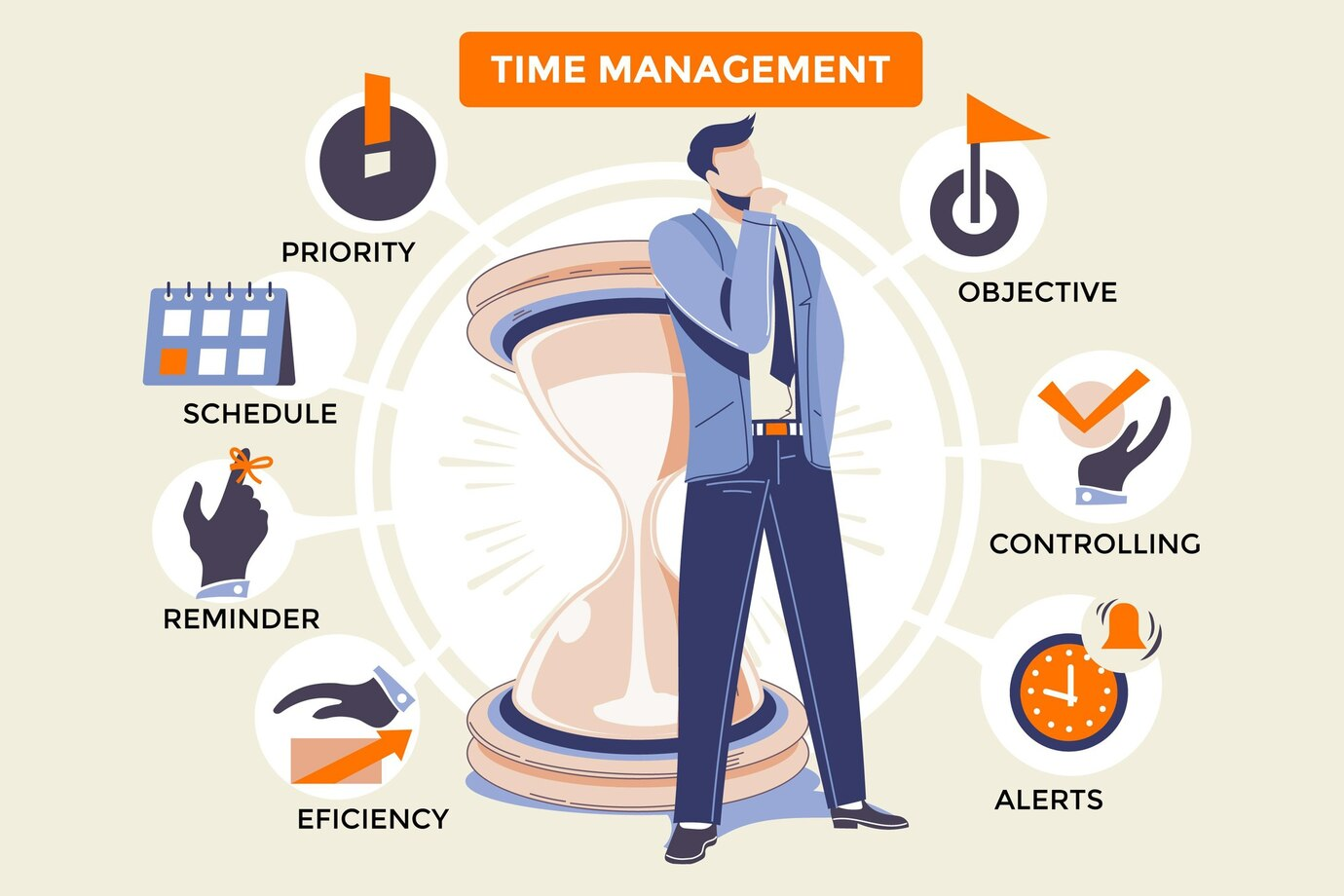
What Can You Block on Windows?
FocusMe isn’t just a basic windows app blocking desktop—it’s a comprehensive system that gives you full control over your digital environment. You decide what’s allowed and what’s not, down to the last app or domain.
社交媒体
Silence the endless scroll with blocks on:
Facebook, Instagram, Twitter/X, TikTok, LinkedIn, Snapchat
Streaming & Entertainment
Tempted to binge a show mid-task? Block sites and apps like:
Netflix, YouTube, Hulu, Twitch, Disney+, Amazon Prime Video
Games & Launchers
Keep gaming to your downtime with blocks on:
Steam, Epic Games Launcher, Minecraft, Roblox, League of Legends, Fortnite
News & Content Feeds
Limit distractions from constant headlines and endless clickbait:
Google News, Reddit, BuzzFeed, CNN, Fox News, Daily Mail
Messaging & Collaboration Tools
Pause communication and focus on real work with blocks on:
Skype, Discord, Microsoft Teams, Slack, Zoom, Telegram
System Tools & Admin Workarounds
Tired of finding loopholes? FocusMe can also block:
Task Manager, Registry Editor, Command Prompt, Windows Settings, Run dialog, PowerShell
Most tools only block either websites or desktop apps. FocusMe does both—at the same time—with one plan that covers your entire digital workspace.
Unbreakable Focus and Real Accountability with App Blocker For Windows
FocusMe doesn’t just block websites and apps—it keeps you committed. With advanced anti-tamper protections and customizable enforcement, FocusMe helps you stick to your plans even when willpower wears thin.
Other blockers are easy to disable. FocusMe isn’t. You can lock your settings with a password, restrict edits during active sessions, or prevent uninstallation without proper authorization. No more sneaky workarounds.
Need a little tough love? Activate Forced Mode to prevent any changes or deactivation during your scheduled sessions—even restarting your PC won’t help. You’ll build stronger habits and get more done.
Add a layer of resistance by locking specific FocusMe Plans or rules with a password. Only you—or someone you trust—can unlock it, making it perfect for accountability partners or parental controls.
Want to go all-in? Use Commitment Mode to lock a focus session in place for a set duration. No early exits. No excuses. Perfect for students during exam prep or anyone on a deadline.
Stay mindful of your goals with custom pop-up messages when you try to access blocked apps or websites. Whether it’s a motivational quote or a reminder of what really matters, you’ll think twice before giving in.
Other Common Questions.
Yes, FocusMe is more than just a website blocker for windows. It can block any desktop application on Windows, including games, streaming apps, and even system tools like Task Manager or Registry Editor.
Absolutely. FocusMe blocks websites on Chrome, Edge, Firefox, Brave, and others. It applies system-wide, so even switching browsers or using incognito/private mode won’t bypass your blocks.
Yes. FocusMe allows you to set daily or weekly time limits for any app or website. For example, you can limit YouTube to 30 minutes a day or block Facebook entirely during work hours.
It does. FocusMe includes a Pomodoro timer and custom interval blocking, allowing you to structure your work into focused sprints with timed breaks to reduce fatigue and stay sharp.
Yes. FocusMe can block any installed desktop application, including Steam, Netflix, Spotify, Discord, and more. You can even create plans for specific use cases like gaming detox or exam preparation.
FocusMe includes anti-tampering features like random password protection and forced modes. These prevent unauthorized changes, uninstall attempts, or session interruptions—even if you restart your PC.
Definitely. Many parents use FocusMe as a powerful parental control tool on Windows. You can block social media, games, and streaming apps, enforce screen-free hours, and prevent kids from disabling the blocker.
Yes. FocusMe works seamlessly on Windows 10, Windows 11. It is regularly updated to stay compatible with the latest Windows releases and security features.
Yes. FocusMe lets you create and switch between multiple productivityFocusme Plans, like “Work Mode,” “Study Mode,” and “Wind Down Mode.” Each plan can have its own custom rules, schedules, and limits.
Try 14 Days 100% Free!
Download FocusMe Now to Access all Features and Full Support.
无需信用卡。没有压力。只有结果
⭐ 立即排除干扰,让你真正完成开始的工作。.
⭐ 强制模式,从根本上杜绝拖延症。.
⭐ 个性化限时和深度拦截功能,保护您的最佳时间。.
⭐ 内置 Pomodoro,帮助你在更短时间内完成更多工作。.
⭐ 世界一流的支持,可快速设置一切。.
我们将向您发送下载链接和简单的入门说明。.
我们将向您发送下载链接和简单的入门说明。.