

14日間無料トライアルをダウンロード
クレジットカードなし。プレッシャーなし。結果だけ
気が散るものを即座に取り除き、始めたことを最後までやり遂げることができる。.
先延ばしを阻止する強制モード。.
あなたのベストタイムを守る、パーソナライズされたタイムリミッターとディープブロック。.
ポモドーロを内蔵し、短時間でより多くの仕事をこなすことができます。.
世界トップクラスのサポート体制による迅速なセットアップ。.
お名前とEメールを入力してください
ダウンロード・リンクをお送りします。.
 No more tab-hopping. No more self-sabotage. Just real results. Block websites and apps on your Windows desktop effortlessly Customize blocking schedules for work, study, and downtime Limit time on YouTube, social media, or games Set goals, schedule breaks, and track your progress Works on Windows 10 そして Windows 11
 で見たとおりだ。


The Ultimate Website Blocker for Windows
フォーカスミー goes far beyond browser extensions. それは a full-featured Windows用ウェブサイトブロッカー that runs system-wide—so it doesn’t matter which browser you use.


Block Distracting Sites Across All Browsers
No more switching from Chrome to Edge to bypass a block. Our windows app blocking desktop shuts down access across all major browsers—even in incognito mode.
Set Custom Time Limits
Want to allow 20 minutes of Reddit per day? Done. Prefer a total ban from social media during work hours? Also done.
Create Multiple Profiles
Use different rules for weekdays, weekends, deep focus sessions, or breaks. You’re always in control.
Take charge of your time with the most powerful app and website blocker for Windows.
Unlike other tools, フォーカスミー isn’t just for websites. それは a powerful Windows app blocker that can restrict access to almost anything on your desktop—apps, games, or even certain system tools.
Block Any Desktop App
Stop yourself from opening time-wasting apps like Steam, Spotify, Discord, or Netflix. You decide what stays and what goes.
Lock Down System Tools
Want serious accountability? With FocusMe, you can block access to system tools like Task Manager, Registry Editor, and Settings, making it much harder to bypass your focus plans.
Designed for Students, Professionals, and Parents
Whether you’re writing a paper, deep on coding, or setting up parental controls, FocusMe adapts to your goals and helps you stay on track.
From writers to developers, students to digital minimalists—thousands rely on FocusMe daily to reclaim their time and maintain deep focus.
With フォーカスミー’s Windows apps blocking desktop features, you don’t need willpower—you need a system. フォーカスミー automates your focus with intelligent scheduling tools that fit your routine, so you can stay productive without micromanaging your time.

Recurring Focus Sessions
Create weekly blocking plans that run automatically—like 9:00 AM to 5:00 PM on weekdays or custom weekend schedules. You’ll never forget to start a session again.
Pomodoro & Custom Interval Timers
Prefer working in short bursts? Use built-in Pomodoro mode or set your own intervals. Alternate focused sprints with regular breaks to maintain mental clarity throughout the day.
Daily & Weekly Time Limits
Balance productivity with flexibility. Limit how much time you can spend on distracting apps or sites per day or per week. Great for curbing habits like late-night social scrolling or midday YouTube binges.
Enforced Breaks for Wellness
Block access to your computer during scheduled breaks to ensure you actually rest. Use this time to stretch, hydrate, or step away from the screen—no more burnout from nonstop screen time.
One-Time Sessions
Need a burst of hyper-focus? Start a one-off session instantly with full blocking and break enforcement. Perfect for deep work, tight deadlines, or study marathons.
Sync With Your Life
Stack schedules across multiple productivity profiles (e.g., “Work Mode,” “Study Mode,” “Evening Wind Down”) and let FocusMe switch modes automatically depending on the time or day.
FocusMe can detect when certain apps are opened—like your coding IDE or writing software—and automatically trigger a matching focus session.
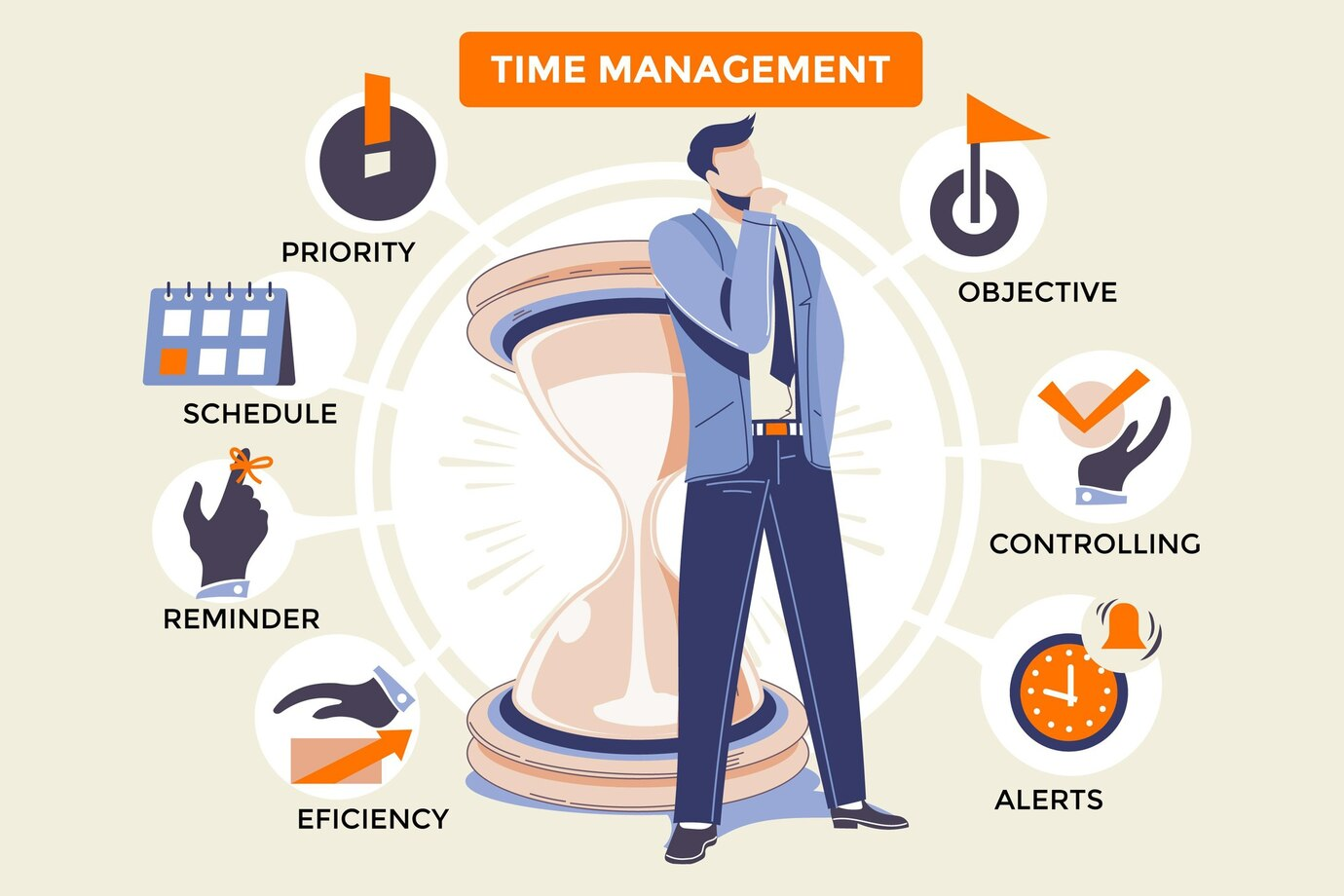
What Can You Block on Windows?
FocusMe isn’t just a basic windows app blocking desktop—it’s a comprehensive system that gives you full control over your digital environment. You decide what’s allowed and what’s not, down to the last app or domain.
ソーシャルメディア
Silence the endless scroll with blocks on:
Facebook, Instagram, Twitter/X, TikTok, LinkedIn, Snapchat
Streaming & Entertainment
Tempted to binge a show mid-task? Block sites and apps like:
Netflix, YouTube, Hulu, Twitch, Disney+, Amazon Prime Video
Games & Launchers
Keep gaming to your downtime with blocks on:
Steam, Epic Games Launcher, Minecraft, Roblox, League of Legends, Fortnite
News & Content Feeds
Limit distractions from constant headlines and endless clickbait:
Google News, Reddit, BuzzFeed, CNN, Fox News, Daily Mail
Messaging & Collaboration Tools
Pause communication and focus on real work with blocks on:
Skype, Discord, Microsoft Teams, Slack, Zoom, Telegram
System Tools & Admin Workarounds
Tired of finding loopholes? FocusMe can also block:
Task Manager, Registry Editor, Command Prompt, Windows Settings, Run dialog, PowerShell
Most tools only block either websites or desktop apps. FocusMe does both—at the same time—with one plan that covers your entire digital workspace.
Unbreakable Focus and Real Accountability with App Blocker For Windows
フォーカスミー doesn’t just block websites and apps—it keeps you committed. With advanced anti-tamper protections and customizable enforcement, フォーカスミー helps you stick to your plans even when willpower wears thin.
Other blockers are easy to disable. フォーカスミー isn’t. You can lock your settings with a password, restrict edits during active sessions, or prevent uninstallation without proper authorization. No more sneaky workarounds.
Need a little tough love? Activate Forced Mode to prevent any changes or deactivation during your scheduled sessions—even restarting your PC won’t help. You’ll build stronger habits and get more done.
Add a layer of resistance by locking specific フォーカスミー Plans or rules with a password. Only you—or someone you trust—can unlock it, making it perfect for accountability partners or parental controls.
Want to go all-in? Use Commitment Mode to lock a focus session in place for a set duration. No early exits. No excuses. Perfect for students during exam prep or anyone on a deadline.
Stay mindful of your goals with custom pop-up messages when you try to access blocked apps or websites. Whether it’s a motivational quote or a reminder of what really matters, you’ll think twice before giving in.
その他のよくある質問.
Yes, フォーカスミー is more than just a website blocker for windows. It can block any desktop application on Windows, including games, streaming apps, and even system tools like Task Manager or Registry Editor.
Absolutely. フォーカスミー blocks websites on Chrome, Edge, Firefox, Brave, and others. It applies system-wide, so even switching browsers or using incognito/private mode won’t bypass your blocks.
Yes. フォーカスミー allows you to set daily or weekly time limits for any app or website. For example, you can limit YouTube to 30 minutes a day or block Facebook entirely during work hours.
It does. フォーカスミー includes a Pomodoro timer and custom interval blocking, allowing you to structure your work into focused sprints with timed breaks to reduce fatigue and stay sharp.
Yes. フォーカスミー can block any installed desktop application, including Steam, Netflix, Spotify, Discord, and more. You can even create plans for specific use cases like gaming detox or exam preparation.
フォーカスミー includes anti-tampering features like random password protection and forced modes. These prevent unauthorized changes, uninstall attempts, or session interruptions—even if you restart your PC.
Definitely. Many parents use フォーカスミー as a powerful parental control tool on Windows. You can block social media, games, and streaming apps, enforce screen-free hours, and prevent kids from disabling the blocker.
Yes. フォーカスミー works seamlessly on Windows 10, Windows 11. It is regularly updated to stay compatible with the latest Windows releases and security features.
Yes. フォーカスミー lets you create and switch between multiple productivityFocusme Plans, like “Work Mode,” “Study Mode,” and “Wind Down Mode.” Each plan can have its own custom rules, schedules, and limits.
14日間100%を無料でお試しください!
今すぐFocusMeをダウンロードして、すべての機能とフルサポートをご利用ください。.
クレジットカードなし。プレッシャーなし。結果だけ
気が散るものを即座に取り除き、始めたことを最後までやり遂げることができる。.
先延ばしを阻止する強制モード。.
あなたのベストタイムを守る、パーソナライズされたタイムリミッターとディープブロック。.
ポモドーロを内蔵し、短時間でより多くの仕事をこなすことができます。.
世界トップクラスのサポート体制による迅速なセットアップ。.
ダウンロード・リンクをお送りします。.
ダウンロード・リンクをお送りします。.