

¿No quieres que otra persona decida qué es "aceptable" para tus hijos en internet?
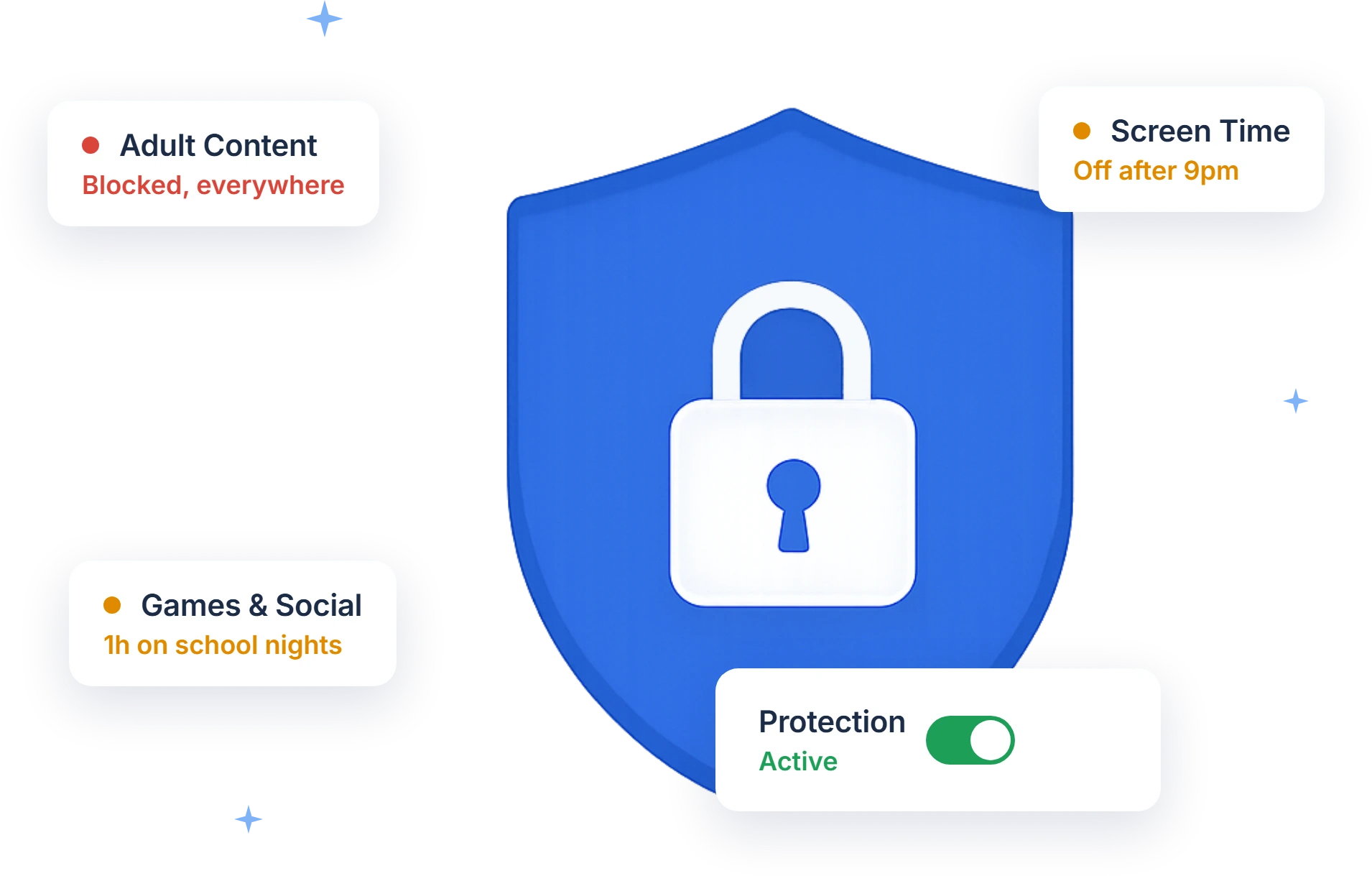
FocusMe es un control parental seguro para niños, compatible con teléfonos y ordenadores: tú decides qué está permitido, no un algoritmo.
- Restringir, supervisar o bloquear completamente lo que quieras.
- No hay soluciones fáciles. —lo cual es importante con los adolescentes expertos en tecnología.
- Pista cómo emplean realmente su tiempo en línea.
- Cortar sitios web para adultos y otras plataformas tóxicas al instante.
- Enseñar mejores hábitos y lograr que pasen menos tiempo frente a la computadora.
- Protégelos de personas con las que no deberían hablar.
Windows, macOS, Linux, Android e iOS. No se requiere tarjeta de crédito.
Como se ve en


¿En qué se meten realmente los niños de hoy en día con sus dispositivos?
No hace mucho, controlar lo que los niños hacían con los aparatos electrónicos era sencillo. Los padres se acercaban al televisor, lo apagaban y les decían: "Salgan a jugar".
Hoy en día la situación es muy diferente. La tecnología está tan presente que muchos padres optan por la estrategia de "no preguntar, no decir". Al fin y al cabo, ¿qué se puede hacer ante una marea creciente demasiado poderosa como para contenerla?
Para algunos padres, sin embargo, ignorarlo no es una opción. Esto es a lo que se enfrentan sus hijos.
- Aumento de las tasas de depresión, acoso cibernético y suicidio entre los jóvenes., a menudo vinculado a las redes sociales y al tiempo que se pasa en línea.
- Fácil acceso a la pornografía —y no se trata de la pornografía de antaño. Ahora lo que la impulsa es el factor sorpresa, y el acceso constante conlleva consecuencias reales, tanto para adultos como para niños.
- La violencia a un clic de distancia, que los niños comparten entre sí solo para ver la reacción.
- Una industria creada para captar su atención. Es un golpe para el bolsillo, y la constante atracción de los objetos brillantes nos deja a todos más dispersos y distraídos que antes.
- Personas con malas intenciones. No queremos generar pánico, pero es cierto que se detiene a grupos organizados con regularidad y que estos encuentran niños en internet.
- Efectos que nadie puede medir todavía. ¿El uso constante de internet cambiará la forma en que su hijo se comporta y se relaciona con el mundo? Aún no hay una respuesta definitiva.
FocusMe devuelve el control a los padres.
Ya es bastante difícil para los adultos controlarse en los dispositivos digitales. ¿Cuánto más difícil será para un niño? Es responsabilidad de todos tener conversaciones serias con los niños sobre lo que pueden y no pueden hacer en línea, cómo regular su actividad y qué está prohibido.
Pero a menos que su hijo haya hecho absolutamente todo lo que usted le ha dicho, también necesita las herramientas para mantener esas pautas en vigor.
Controla cómo pasan el tiempo en línea.
FocusMe registra el tiempo que se pasa en sitios web, aplicaciones y dispositivos, y lo muestra en gráficos sencillos con códigos de color. De un vistazo, puedes ver si están haciendo un buen uso de su tiempo.
Limita lo que no se merece su lugar.
Con el programador, no hay que gestionarlo a diario. Evita que se te escapen horas en Facebook, YouTube o cualquier otro sitio: decide qué es razonable, configúralo una vez y deja que funcione.
Bloquear sitios, aplicaciones o toda la web.
Si se corta el acceso a internet, los niños suelen optar por jugar o ver películas. FocusMe también cierra las aplicaciones problemáticas, para que puedas bloquear las peores y mantener abiertas solo las que te inspiran confianza.
Varias capas de protección en un plan
Generador de contraseñas aleatorias
Exige que se introduzca una cadena aleatoria —tan corta o larga como quieras— antes de que alguien pueda pausar, detener o editar un plan. Escribir unas cuantas docenas de caracteres extraños suele ser una interrupción suficiente para que se proponga una mejor opción.
Contraseñas personalizadas
Crea un plan fácil de desbloquear y guarda la contraseña. Si tu hijo quiere acceder a un sitio bloqueado, puede hacerlo, pero tendrá que pedirlo, lo que implica una conversación en lugar de un clic. También es útil para otorgar acceso por teléfono cuando estás fuera.
Modo forzado
Si deseas eliminar por completo la opción de pausar o editar un plan, el Modo Forzado hace precisamente eso. Es la función principal de FocusMe. Úsalo con precaución, ya que está diseñado para que sea difícil deshacer.
Control parental que mantiene
El bloqueo es instantáneo, sin necesidad de reiniciar.
No es necesario reiniciar el navegador ni borrar la caché al configurar un nuevo plan. El proceso tarda aproximadamente dos minutos y se aplica de inmediato.
Es difícil encontrar una solución
Los niños son expertos en encontrar la manera de saltarse las reglas, y muchos tienen mucha habilidad con la tecnología. FocusMe fue creado por un programador que quería evitar infringir sus propias reglas en línea, por lo que se diseñó teniendo esto en cuenta; incluso puede protegerse para que no se desinstale.
O poner el poder en sus manos.
Ejecuta FocusMe discretamente en segundo plano para supervisar el uso y bloquear sitios web sin ser intrusivo. O hazlo completamente visible; a menudo, con solo saber que está ahí basta para que alguien se mantenga al día.
Si prefieres no sentirte demasiado autoritario, esta herramienta funciona bien para la autorregulación. Enseñar a los niños a analizar sus propios datos y establecer sus propios límites suele cambiar cómo emplean su tiempo, y cederles ese control es una buena forma de darles más responsabilidad a medida que crecen.
Y te mostraremos cómo usarlo.
No dejes que el software te intimide; te ayudaremos a configurarlo. Únete al foro de soporte o envía una solicitud cuando necesites ayuda. Contáctanos En cualquier momento. Nuestro objetivo es responder en un plazo de 24 horas.
Todas las funciones y soporte completo durante el período de prueba. No se requiere tarjeta de crédito.
Algunas preguntas frecuentes
¿En cuántos dispositivos puedo usar FocusMe?
Hasta 5 ordenadores de sobremesa (Windows o macOS) y hasta 2 dispositivos móviles (Android o iPhone) por licencia. Una licencia no debe compartirse entre varias personas, salvo que seas un padre o tutor que la utilice para menores de 18 años. Puedes transferir las licencias a ordenadores nuevos cuando los reemplaces.
¿Puede FocusMe sincronizar los planes entre dispositivos?
Sí, en Windows, Mac y iPhone. La sincronización para la aplicación de Android aún está en desarrollo.
¿Qué métodos de pago aceptan?
Los pagos con tarjeta y PayPal se procesan de forma segura a través de Paddle, que se encarga de la facturación de FocusMe.
¿Cómo puedo cancelar mi suscripción?
Cancela en cualquier momento desde tu página de cuenta, o contáctanos y lo haremos por ti.
¿Puedo solicitar un reembolso?
Contáctanos dentro de los 60 días posteriores a tu compra y te reembolsaremos el dinero en 24 horas. Sin preguntas.